When equipment is scattered across multiple sites, sending an engineer to the field every time is not realistic. This article covers three things: restricting access sources with firewall rules, encrypting data with VPN tunnels, and managing devices centrally through a cloud platform. Combined with real-world scenarios, it helps equipment manufacturers set up remote maintenance that is both secure and manageable.
Manufacturing equipment, environmental monitoring stations, and water pump stations are typically deployed in factory areas or outdoors. Equipment manufacturers and system integrators need to accomplish the following without dispatching engineers on-site:
Remote access brings efficiency but also introduces risk—without secure channels and controlled access sources, industrial networks may be exposed to unauthorized connections.
Firewall communication rules are the first layer of protection for remote access. The approach is straightforward: only allow IPs that should be there.
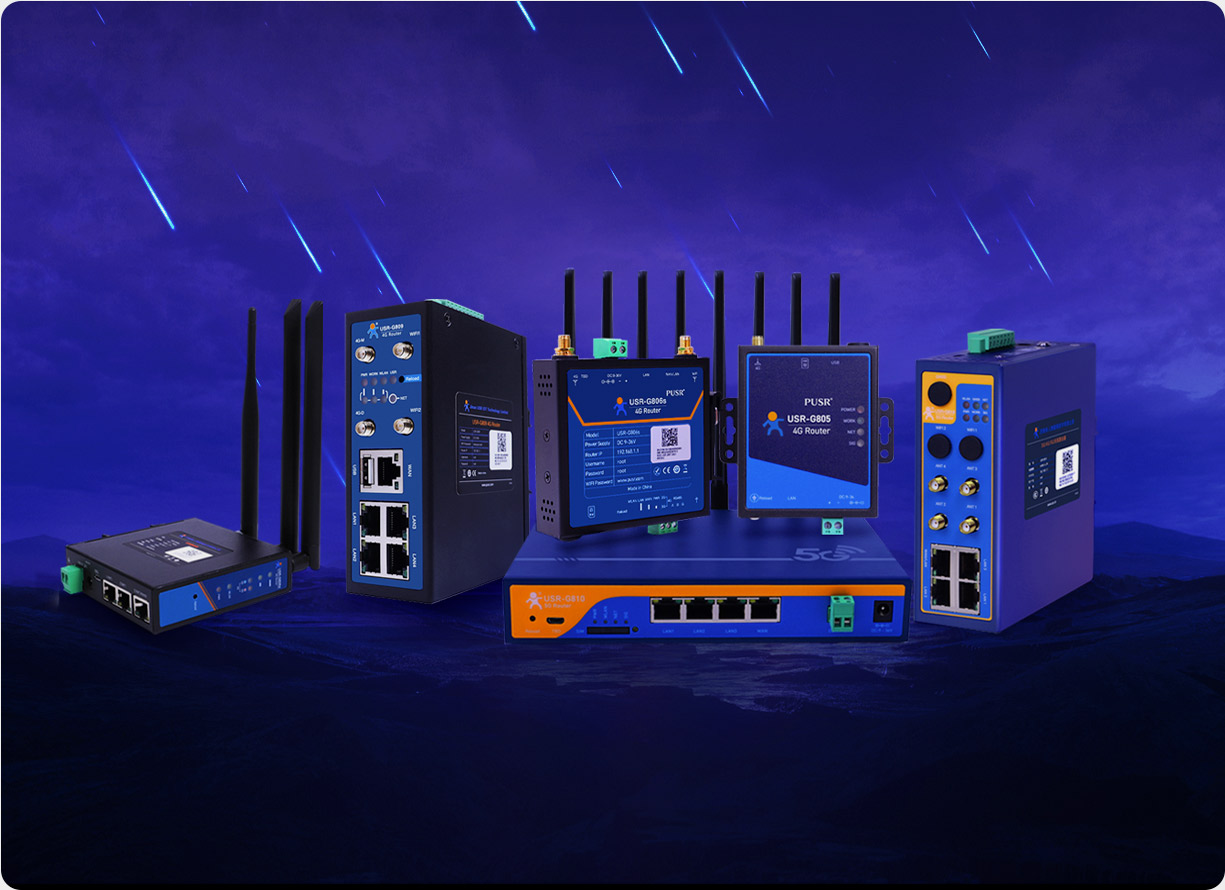
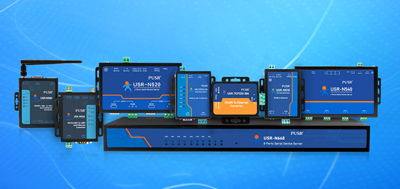
Industrial routers like the USR-G806w support source IP whitelist configuration. The steps are as follows:
This way, even if the router's 4G public IP is scanned, IPs not on the whitelist cannot establish a connection.
In addition to IP whitelists, some models (such as the USR-G806w) also support domain name blacklists and whitelists. When remote management tools use dynamic DNS (DDNS) or cloud platform domain addresses, domain whitelists can block access to malicious domains at the DNS resolution stage, preventing the router from being redirected to phishing servers.
An industrial automation integrator operates more than 300 CNC machines nationwide that require remote maintenance. Engineers are based in Beijing, Shanghai, and Shenzhen, and the company's office network IPs are fixed. By configuring IP whitelists for each device (allowing access from the three office exit IPs), engineers can safely access devices whether they are in the office or on a business trip, as long as they connect through the company's designated VPN client. Public internet scans and attack requests from IPs not on the whitelist are dropped directly.
Even when the source is legitimate, transmitted data needs encryption. Control commands, process parameters, and operational logs of industrial equipment are sent over public networks. Without encryption, any intermediate node can intercept them.
Industrial routers typically support the following VPN protocols:
Selection guidance:
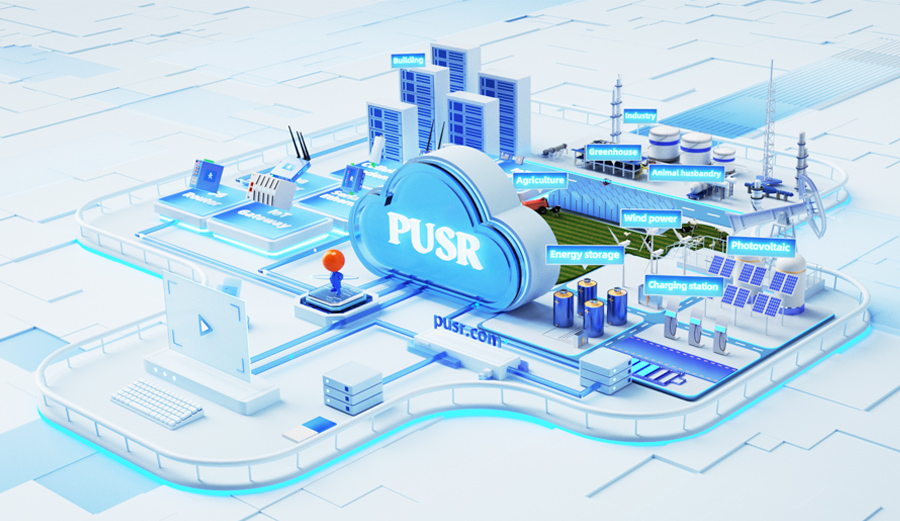
When the device count grows to a certain scale (more than 50 units), logging into each router's web interface one by one becomes impractical. A centralized operations platform is needed at that point.
5G industrial router like the USR-G816 natively support the RuiYi Cloud platform, with capabilities including:
5G networks (USR-G816 supports theoretical speeds up to 1.76 Gbps) provide the foundation for high-bandwidth scenarios such as remote video inspections and large-volume log uploads.
A smart water conservancy project deployed more than 20 reservoir monitoring stations nationwide. Each station is equipped with a USR-G809s industrial router, responsible for collecting water level, rainfall, and gate status data and transmitting it back to the central office. The project operations team manages all routers centrally through the RuiYi Cloud platform:
Security matters, but only if the device is actually online. Industrial equipment is often deployed in harsh environments. Two features directly impact remote accessibility:
Devices may sit in cabinets without air conditioning, exposed to summer heat and winter cold. Routers like the USR-G816, with a working temperature range of -35°C to 75°C and DC 9-36V wide-voltage power supply, maintain stable operation under significant voltage fluctuations.
Industrial routers are commonly equipped with a hardware watchdog. When the device freezes for any reason, the watchdog automatically reboots the system, restoring remote connectivity.
4G signals are affected by base station coverage and may become unstable at times. Industrial routers with multi-network backup support, such as the USR-G809s, enable automatic 4G/wired dual-link switching—when the 4G signal weakens or disconnects, the router automatically switches to the backup wired network, keeping the remote connection uninterrupted.
When planning for secure remote access, verify each item:
Firewall: Is an IP whitelist configured to allow only operations team IPs to access devices?
Encryption: Is IPSec or OpenVPN enabled for encrypted transmission?
Port Management: Are unnecessary ports (e.g., Telnet port 23) disabled?
Account Security: Have default passwords been changed? Is a strong password policy in place?
Firmware Version: Is the firmware regularly updated to the latest version to fix known vulnerabilities?
Monitoring and Alerts: Are alerts configured for device offline events, weak signals, and data overage?
Remote Updates: Are firmware updates pushed through the cloud platform in batches, avoiding mass reboots from a single simultaneous upgrade?
Multi-Network Backup: Is there a backup link (4G + wired) to prevent single-point failures?
Industrial routers support wide-temperature and wide-voltage operation (e.g., -35°C to 75°C working temperature, DC 9-36V power supply), hardware watchdog auto-reboot, EMC electromagnetic protection, and other industrial-grade designs. They are suited for factory or outdoor environments without air conditioning, unstable power, or strong electromagnetic interference. Consumer routers typically operate stably only at 0°C to 40°C.
4G suits outdoor scenarios where cabling is not feasible (e.g., water monitoring stations, mobile equipment). Wired networks suit stable environments within factory areas. When conditions allow, a multi-network backup solution (4G + wired) balances both flexibility and reliability.
No. Engineers can access devices through the company's exit IP, or connect via a VPN client to a whitelisted network first, then reach the devices from there. During business trips, as long as the device supports remote management, engineers can operate it from within the company network.
At minimum: configure IP whitelists to restrict access sources, enable IPSec or OpenVPN encryption, change default passwords, disable unnecessary high-risk ports (e.g., Telnet 23), and update firmware regularly. These four steps cover most known risks.
Common industrial routers support IPSec, PPTP, L2TP, OpenVPN, and other protocols. IPSec is best suited for site-to-site encrypted connections; OpenVPN offers greater flexibility for diverse remote access scenarios.
When the device count exceeds 50, logging into each web interface individually is impractical. A cloud platform (such as the RuiYi Cloud platform) is recommended for centralized management, supporting remote configuration, batch updates, status monitoring, and anomaly alerts.
It can. If base station coverage is weak or weather conditions interfere, the 4G link may disconnect. Industrial router with multi-network backup support (such as the USR-G809s) automatically switch to the backup wired network when 4G disconnects, maintaining an uninterrupted remote connection.
Data usage depends on reporting frequency and data volume per report. Taking water level monitoring as an example: reporting 100 bytes once per second generates approximately 2.6 GB per month. Reducing the frequency to once per minute brings that down to about 4.3 MB per month. Adjusting reporting frequency to actual needs can effectively control data costs.