In many small-to-medium solar projects and industrial monitoring applications, inverters ship with only an RS485 port and no optional Modbus TCP communication module. When installers cannot or prefer not to add extra modules, an external RS485-to-Ethernet Converter is the most straightforward way to get the inverter onto the network.
When many inverters were designed, RS485 was sufficient for local commissioning and monitoring. Adding an Ethernet module increases BOM cost, and for mid- to low-power models this extra expense may not be accepted by the market. Meanwhile, installers may be constrained by project budgets or wiring conditions, unable to reserve a network port and switch near the inverter.
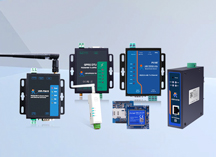
An RS485-to-Ethernet Converter acts as a bridge — translating the inverter's RS485 interface (Modbus RTU protocol) into Modbus TCP on Ethernet, so a SCADA system or host PC can access inverter data over a LAN or the internet.
The entire process is completely transparent to the inverter: the inverter simply keeps its existing RS485 A/B wiring unchanged, and the Converter connects in parallel on the bus.
Taking a typical single-inverter setup as an example:
After wiring, the inverter's RS485 cabling remains untouched — the Converter simply taps onto the existing bus.
Most Converters include a built-in Web configuration page. After connecting the Ethernet port, enter the device's default IP (or DHCP-assigned IP) in a browser to access the configuration interface. Key parameters include:
Once configured, the host PC sends Modbus TCP requests to the Converter's IP:502. The Converter automatically translates each request into an RTU frame for the inverter and passes the response back to the host.
In solar applications, one Converter can connect to a single inverter or multiple inverters daisy-chained on an RS485 bus. If the bus has eight inverters, each with a different Modbus slave address, the host PC can poll all devices through a single Converter — no need to deploy a Converter for every inverter.
The advantage is that the inverter requires no firmware upgrade or hardware modification. The Converter's involvement is entirely external. For already-commissioned projects, this is the most economical upgrade path.
1. What is the difference between an RS485-to-Ethernet Converter and a Serial Device Server?
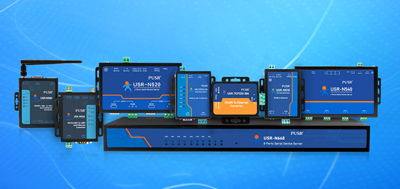
They are essentially the same product category. An RS485-to-Ethernet Converter emphasizes connecting RS485 devices to Ethernet, while Serial Device Server is a broader term covering RS232, RS422, and RS485-to-Ethernet devices. PUSR Converters support all three serial types.
2. Will using an RS485-to-Ethernet Converter affect Modbus communication real-time performance?
Modern industrial Converters typically have a transmission latency under 10ms, negligible for most monitoring and energy management scenarios. PUSR Converters feature an optimized TCP/IP protocol stack with configurable frame-packing thresholds, ensuring Modbus RTU timing compliance over Ethernet.
3. What operating modes does the Converter support?
Common modes include TCP Server, TCP Client, UDP Server, UDP Client, and HTTPd Client. In TCP Server mode, the Converter listens on a port for host connections — ideal for local LAN deployment. In TCP Client mode, the Converter actively connects to a remote server, suitable for cross-network scenarios.
4. How many RS485 devices can one Converter connect to?
The RS485 standard supports up to 32 nodes (units). In practice, multiple inverters, meters, or sensors can be daisy-chained on the bus. The Converter itself only handles protocol bridging; the connection count depends on the RS485 bus's load capacity.
5. Can the Converter be used with protocols other than Modbus?
Yes. The Converter's transparent transmission mode does not inspect data content, so any serial protocol (such as Profibus or custom protocols) can be bridged to Ethernet via it. If only Modbus RTU to Modbus TCP conversion is needed, enable the Modbus gateway mode.
6. Can the Converter operate reliably in high outdoor temperatures?
Industrial Converters use metal housings, fanless designs, and wide-temperature components, with operating ranges from -40°C to +85°C, suitable for outdoor cabinets, desert solar stations, and other extreme environments. PUSR Converters pass high EMC-level testing (IEC61000 Level 3), ensuring stable operation in high-interference scenarios.
7. What if I forget the Converter's configuration parameters?
PUSR Converters include a Reload button — long press to restore factory defaults. Some models also support resetting parameters via network commands, without needing physical access to the device.
8. What is the difference between an RS485-to-Ethernet Converter and a 4G Industrial Router?
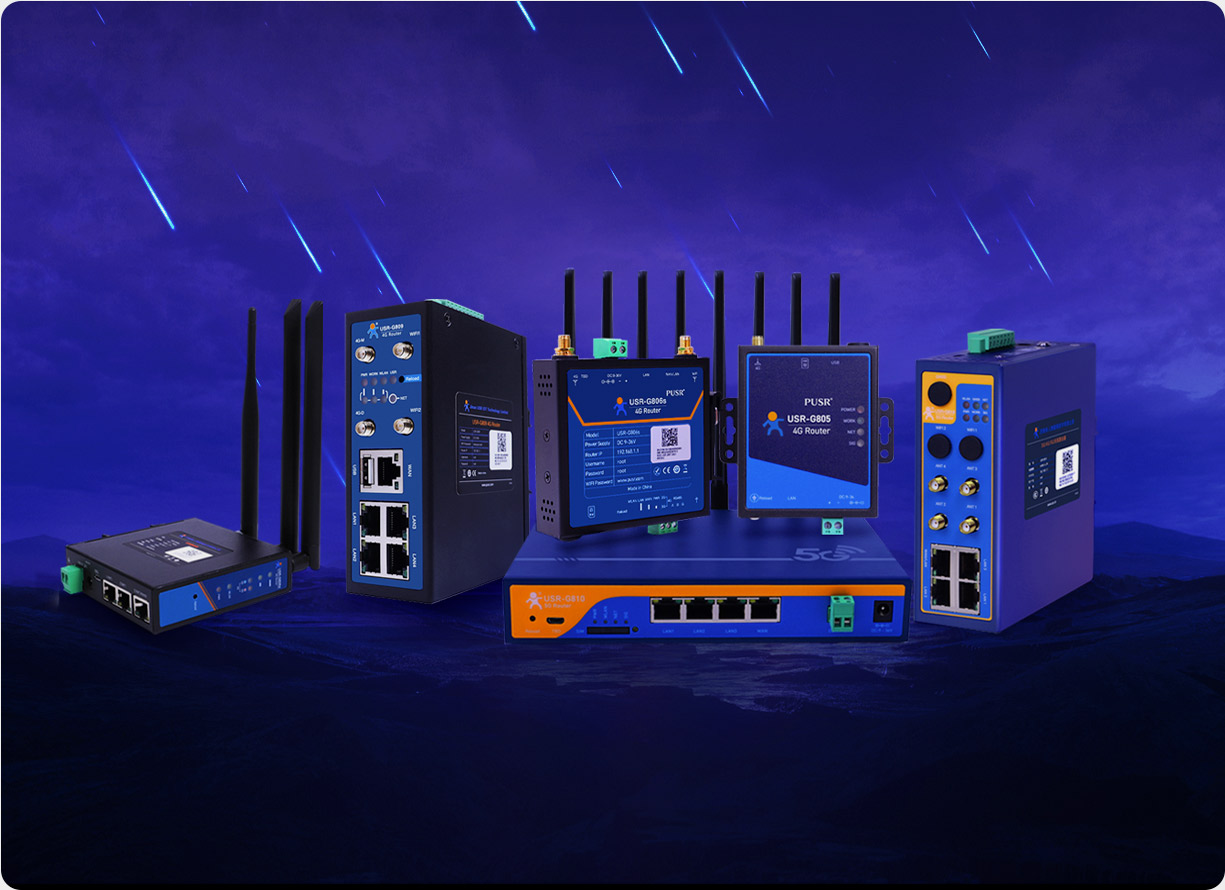
Converters focus on connecting serial devices to Ethernet, offering compact size and lower cost, ideal for fixed LAN environments. 4G industrial router transmit data over cellular networks, suitable for remote sites without wired connectivity. The two can be combined — the Converter bridges serial data, and the 4G router handles remote backhaul.