Outdoor construction sites, remote industrial parks, and temporary monitoring points — video surveillance and PLC maintenance used to require dedicated lines, on-site visits, and long travel times. Now, a single virtual tunnel can handle it all.
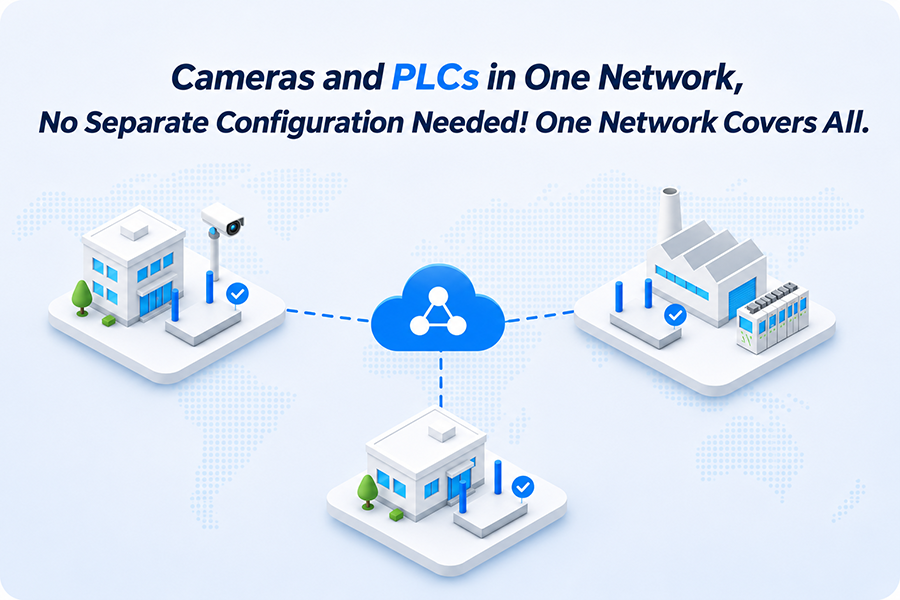
Surveillance points may be hundreds of meters to several kilometers away from the control center, separated by roads, walls, or factory buildings — making it difficult to run Ethernet cables, and broadband applications take weeks to process. PLC debugging is even more challenging: most factory floors do not permit devices to connect to the network online, so engineers often have to fly to the site just to modify a couple of lines of parameters.
Although the pain points of these two types of requirements differ significantly, they converge on the same solution: using the public network to establish an encrypted virtual tunnel for remote devices, making them appear as if they are connected directly to your router's LAN port.No public IP required, no carrier dedicated line needed, and no on-site rewiring necessary.
Remote networking = building a private, encrypted tunnel between two devices separated by great distances, on top of the public network.
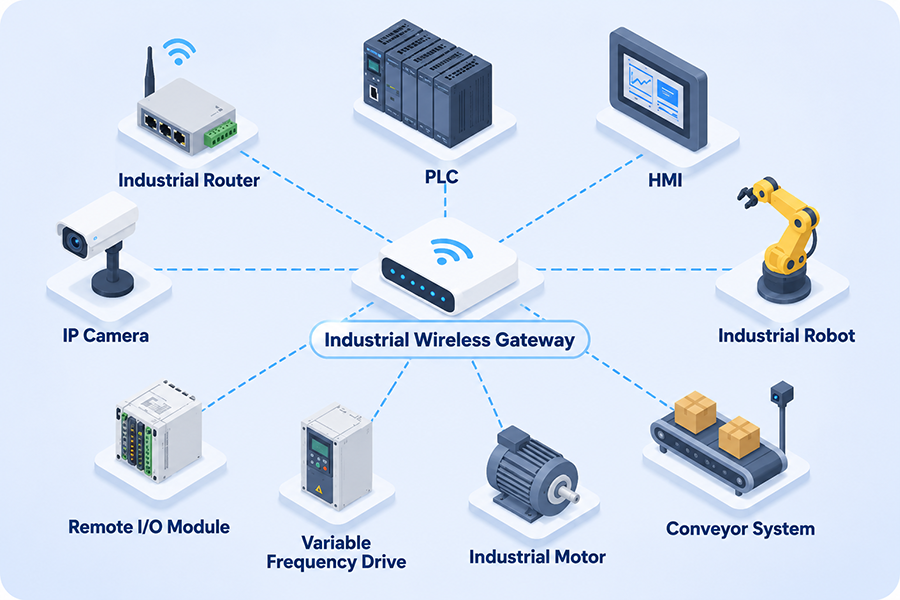
Once devices join the tunnel, they behave as though they are under the same router, able to access each other directly via IP (or even MAC) addresses, fully transparent to the application layer.
|
Application Type |
Typical Bandwidth |
Communication Characteristics |
|
PLC parameter download / remote debugging |
1–3 Mbps |
Intermittent, low-volume, may include broadcast packets |
|
Single-channel standard-definition surveillance |
5–10 Mbps |
Continuous upstream, low latency |
|
Multi-channel HD surveillance |
50–200+ Mbps |
High concurrency, long-duration usage |
Selection cannot follow a one-size-fits-all approach — even though both involve 'connecting to a remote network,' the bandwidth tiers required for PLC projects and surveillance projects are in completely different orders of magnitude.
This is the pitfall PLC users most commonly encounter.
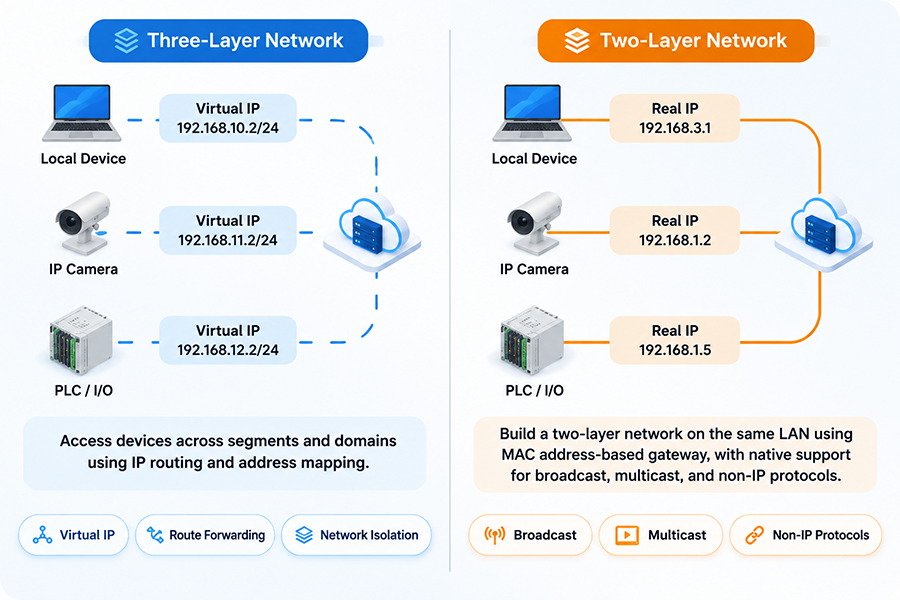
PLC configuration software, address resolution, and device discovery almost all rely on broadcast packets — 'calling out' so every device on the network can hear. Conventional Layer 3 networking only forwards point-to-point unicast traffic; broadcast packets cannot pass through, resulting in 'devices not found' in the software.
|
Dimension |
Layer 2 Networking |
Layer 3 Networking |
|
Forwarding Basis |
MAC Address |
IP Address |
|
Broadcast Domain |
All nodes are the same一Broadcast Domain |
Each subnet is independent |
|
Broadcast / Multicast |
✅ Supported |
❌ Not Supported |
|
Non-IP Protocols |
✅ Supported |
❌ Not Supported |
|
Typical Scenario |
PLC debugging, NVR discovery, multicast video |
Remote camera access, SSH, FTP |
|
Scale Requirements |
IP planning must be aligned in advance |
Can be freely scaled |
Which to Choose:If the business relies on broadcasting, multicast or Non-IP protocols, choose Layer 2; if all devices can be directly connected via IP, choose Layer 3.
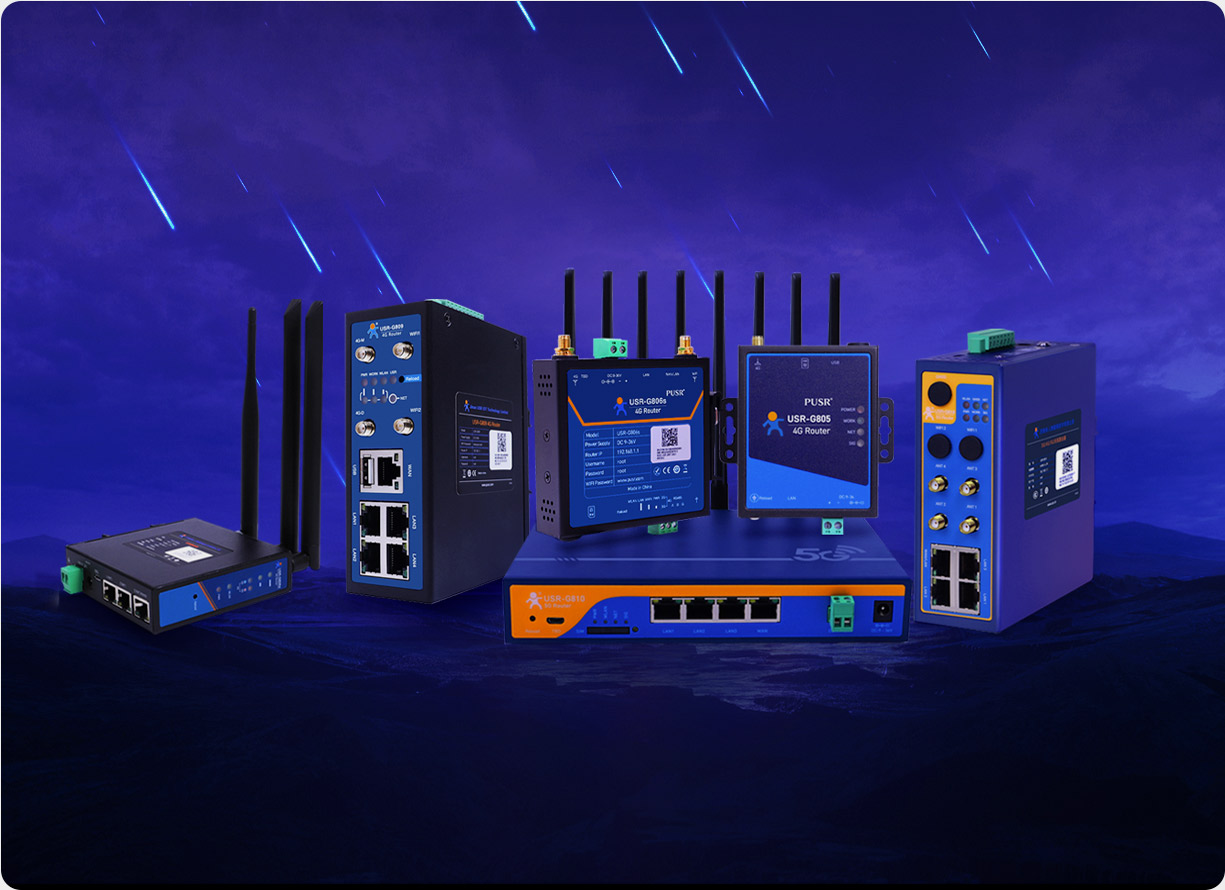
Getting started: One gateway that supports remote networking (such as USR-DR185 or USR-G805s), insert a SIM card or connect an Ethernet cable to go online, and join the network. Each gateway comes with 3 Mbps of free bandwidth by default, enough to get the process started.
How to calculate expansion costs:
●Dozens of devices → purchase bandwidth licenses per unit, with flexible per-unit pricing
●Beyond approximately 30 devices (based on the Operations Edition) → subscribing to a bandwidth package for the entire network is more cost-effective, with no additional fees for newly added devices
●The larger the scale, the more pronounced the cost advantage of centralized subscription
The cost of an engineer's on-site visit — high-speed rail, hotel accommodation, and meal expenses — adds up to at least 1,000 RMB and can exceed 10,000 RMB per trip. For a single project, 5–10 trips per year is normal, representing a not-so-obvious but substantial expense.
Device 'online' and 'network connected' are two different states:
●Online: The device has successfully connected to the cloud platform
●Connected: The device has successfully connected to the remote networking service
Both indicators can be monitored separately in the backend, along with bandwidth usage trends. Most anomalies can be identified before a disconnection occurs, so you do not need to wait for the operations team to call and ask 'why it is inaccessible.'
Combined with remote Web / SSH login, configuration changes, log reviews, packet captures, and command execution can all be completed from the office — saving dozens of on-site visits per year.
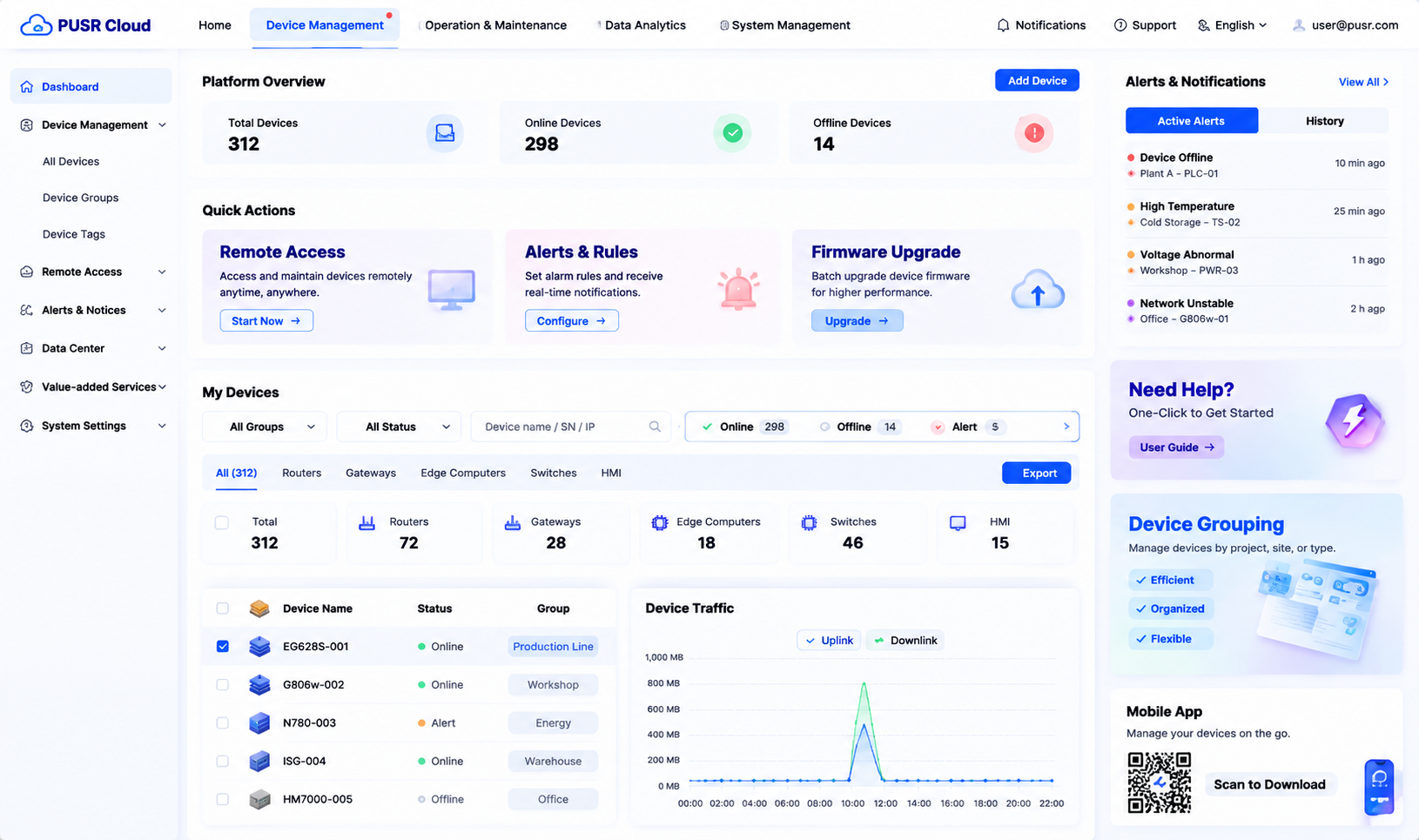
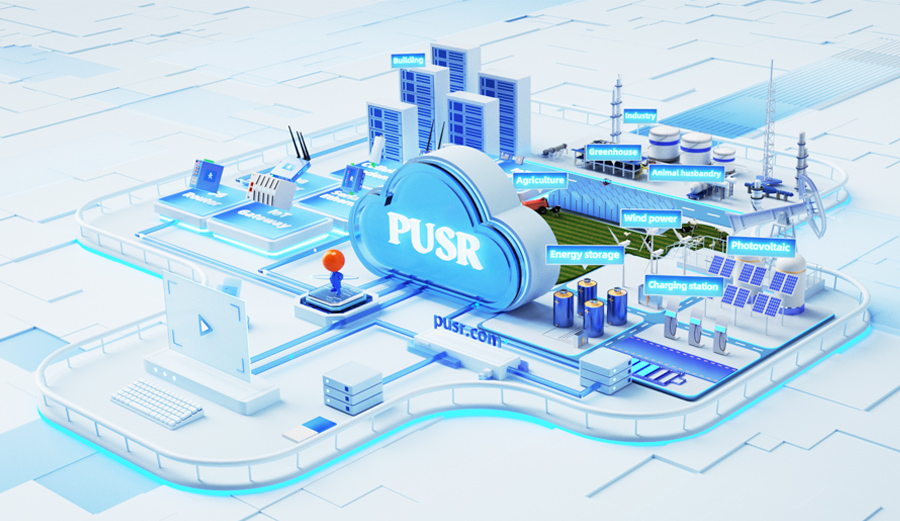
PUSR Remote Networking is the remote networking service offered by PUSR Cloud, the platform of PUSR IoT. It connects gateways and clients distributed across various locations into the same virtual network via the cloud platform. It is ready to use upon power-on, without the need for additional deployment or maintenance.
lNode coverage across China Telecom, China Unicom, and China Mobile networks, with automatic traffic routing by carrier; subscribed bandwidth comes with guaranteed throughput rates and traffic priority
lFull support across dozens of industrial gateways, compatible with Windows, macOS, and Linux; data is encrypted end-to-end throughout transmission, no public IP required, and no additional hardware VPN equipment needed
lCumulatively serving 300,000+ users, covering 30+ provinces and 170+ cities across China